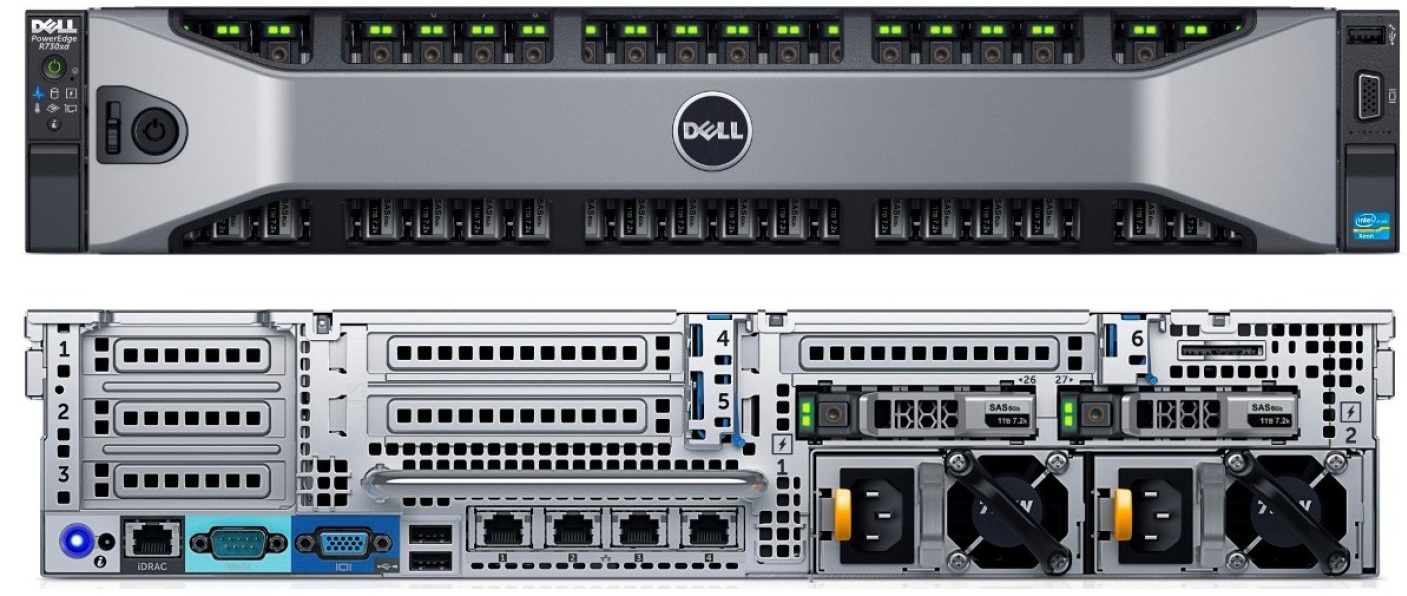
A Zombie Server is a physical machine that is powered on and drawing resources but performing no useful work. It sits there, humming away, “ghosting” your profits, consuming power, and eating your budget without contributing to your productivity.
Most business owners think of their server room as a “set and forget” utility. But as we move into early 2026, those aging black boxes in the corner are becoming more than just outdated – they’re becoming “Zombies.”
Why 2026 is the Year to Pull the Plug
If you’ve been holding onto 5-year-old hardware to “save money,” the math has officially flipped. Much like squeezing the last life out of desktop PCs, the cost of doing nothing is now higher than the cost of a modern upgrade:
In 2026, electricity charges are forecast to rise even further, with many predicting this could be, in part, due to TNUoS price rises.
- The 500W Constant Draw: A typical 5-year-old server draws roughly 500W of power. Unlike PCs, most servers don’t go into an “idle” state – they pull that power 24/7. At current 2026 commercial rates, that single “Zombie” is adding over £1,500 a year to your electricity bill – even if it is doing nothing.
- The Cooling Penalty: Every watt of power that goes into a server comes out as heat. To prevent a meltdown, your air conditioning has to work overtime to remove that heat. For every £1 you spend powering a legacy server, you may be spending another 50p on the “Thermal Tax” to cool the room back down.
Let’s be clear: Old hardware isn’t a security risk in itself. A 2021 server is just metal and silicon. The risk is the Operating System running on it.
- The EOL Trap: If that hardware is running an OS that no longer receives regular security patches, it becomes a “sitting duck” for 2026’s exploits.
- Compliance & Insurance: Many cyber insurance policies in 2026 will no longer cover breaches that originate on EOL software. If the OS is dead, your coverage probably is..
Keeping a “legacy” environment alive requires babysitting:
- The Manual Burden: Modern servers are largely self-healing. Older setups require manual intervention for updates, drive swaps, and performance tuning.
- The “Parts Nightmare”: Even with a warranty, sourcing specific 2020-era components in 2026 can lead to longer lead times and extended downtime that your business can’t afford.
We aren’t saying you need to bin every piece of kit you own. If your server meets these three criteria, it’s still a valid investment:
- Current OS: It’s running a supported version of Windows Server (e.g., 2022 or 2025).
- Warranty Spares: You have a guaranteed 4-hour or Next Business Day parts replacement contract. Or you have spares.
- Efficiency: The workload it’s doing justifies the £2k+ annual energy spend.
If your server room is full of blinking lights but your team is still struggling with slow applications and high bills, it’s time for a “Zombie Audit.”
We help businesses strip away the “ghost” costs of legacy tech. Whether it’s migrating to a modern Serverless environment, moving to the cloud, or simply optimising your current hardware – we ensure your IT is an asset.
As part of our Managed Services, we don’t just monitor your kit; we maintain comprehensive Asset Registers for every client. We use these to drive our Technical Business Reviews (TBRs), where we sit down with you to discuss forthcoming hardware lifecycles, warranty expirations, and strategic upgrades before they become emergencies.