
For years, the rule of thumb was simple: if you want real speed (or have IP phones), plug it in. If you want convenience, use Wi-Fi. But with the arrival of Wi-Fi 7, Teams Voice, etc – is that still true?
In this post, we weigh up the considerations when deciding between a wired network or a modern Wi-Fi Network.
TLDR: If it’s a new network, opt for Wi-Fi 7
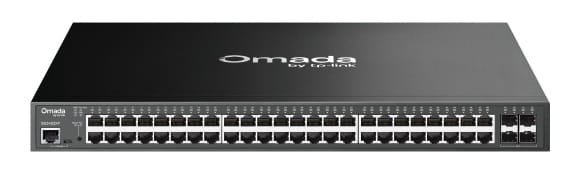
Wired: From Legacy Ports to High-Bandwidth Backbones
The wired network is no longer just “the thing that connects the PC.” It has evolved from a dumb pipe into an intelligent, high-speed foundation.
The Traditional Wired Network
The Modern Ethernet Network
Wireless: From Simple Passwords to Enterprise Identity
We’ve moved past the days when a sticker on the wall with a password was “security.”
Traditional Wi-Fi (Legacy)
Modern Wireless (Wi-Fi 7 & Beyond)
Things to consider: Wireless vs Wired Networks
Wired Desk Phones vs. Softphones (Teams/3CX)
Building Layout & Construction
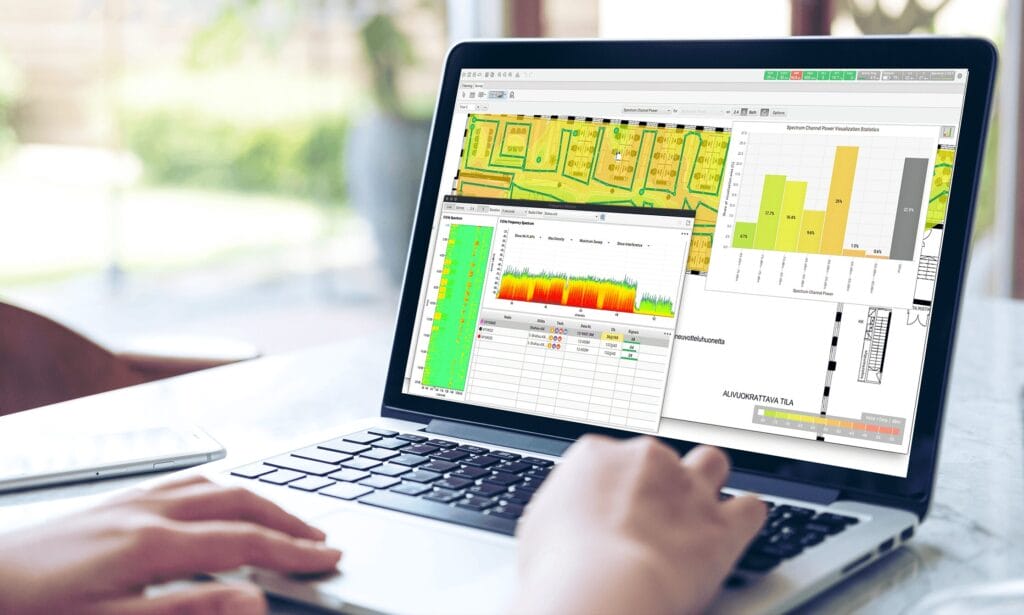
Security vs. RF Environment
Which is right for you? Wired vs Wireless
Summary
For the modern office
The strategy is simple: Wire the infrastructure, Wireless the people. Build a rock-solid wired backbone using 2.5G and 10G Omada switches to feed your Access Points, then let Wi-Fi 7 handle the laptops, docks, and softphones. It’s cleaner, easier to manage via Intune, and much more flexible for a growing team. Wired and wireless network management is part of our ITaaS managed IT solution.
Whether you’re moving into a new space or your current Wi-Fi is showing its age, we can design a bespoke network blueprint for your business. Contact us today for a Wi-Fi 7 Site Survey or Network Consultation