This week at CYBERUK 2026 in Glasgow, the National Cyber Security Centre (NCSC) made it official – passkeys should now be the default way to log in wherever a service supports them. It’s the first time the NCSC has told users and organisations to move away from passwords entirely.
Their position is clear: the technology is mature, the standards are established, and passkeys are now a practical way to improve security for businesses of all sizes. Where passkeys aren’t yet supported, their advice is to stick with passwords plus two-step verification (2SV) and use a password manager.
For those of us who’ve been recommending FIDO2 authentication for years, this is welcome news – but it’s worth explaining what it actually means in practice.
What Are Passkeys?
A passkey is a replacement for your password. Instead of typing something you know (a password that can be guessed, phished, or stolen), you authenticate using something you have (your device) and something you are (a fingerprint, face scan, or PIN).
Behind the scenes, passkeys use the FIDO2 standard. When you register a passkey with a service, your device creates a unique cryptographic key pair. The private key stays on your device and never leaves it. The public key goes to the service. When you log in, the service challenges your device to prove it holds the private key – and your device responds only after you’ve confirmed with biometrics or a PIN.
The important part: your password never travels across the internet, because there isn’t one. There’s nothing to phish, nothing to intercept, and nothing stored in a database that can be leaked.
Why This Matters for Your Business
The NCSC’s research confirms that FIDO2 credentials (i.e. passkeys) are as secure or more secure than traditional MFA against all common credential attacks seen in the wild. That includes phishing, credential stuffing, man-in-the-middle attacks, and SIM swapping.
Consider that 600 million identity attacks happen every day, and password-based attacks still account for the vast majority. Passkeys eliminate the attack surface entirely. There’s no password to steal, no SMS code to intercept, and no MFA fatigue to exploit.
Microsoft 365 and Passkey Support
If your business runs on Microsoft 365 – and most of ours do – the good news is that passkeys are now fully supported through Microsoft Entra ID (formerly Azure AD).
As of March 2026, Microsoft has rolled out passkey profiles as a generally available feature. This means your IT administrator (or us, if we manage your environment) can:
- Enable passkeys across your tenant
- Create separate passkey profiles for different user groups (i.e. stricter requirements for admin accounts, standard for everyday users)
- Support synced passkeys that work across a user’s devices
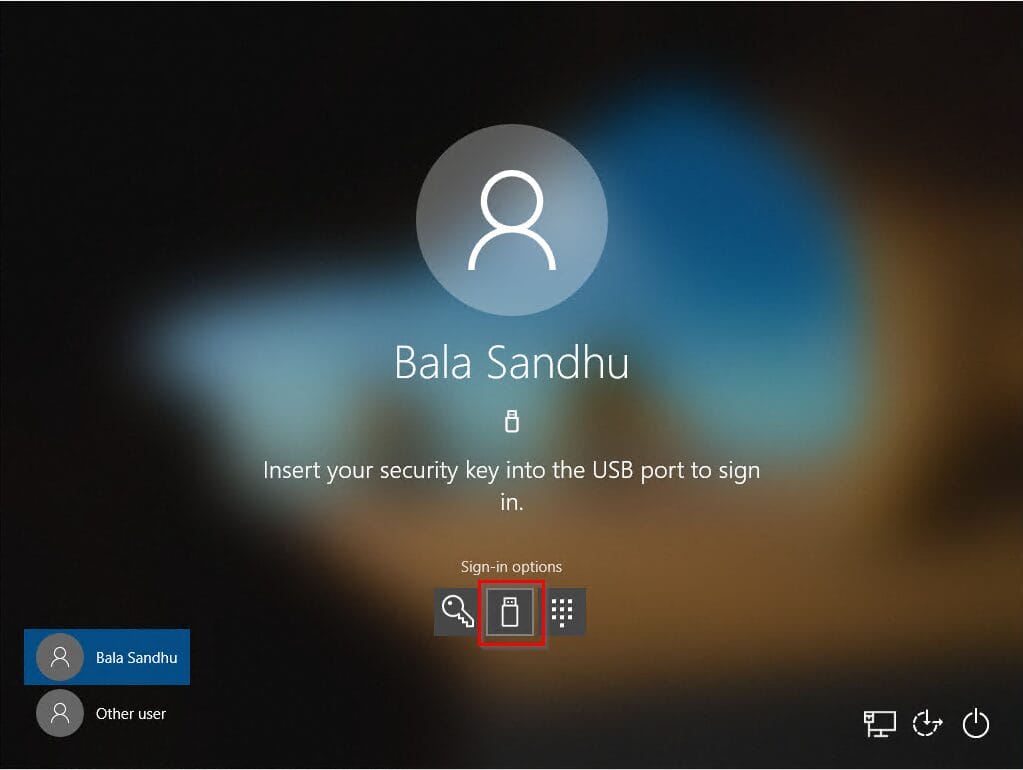
- Use FIDO2 hardware tokens (i.e. Token2, YubiKeys) for higher-security roles
Microsoft Entra passkeys on Windows are also going generally available this month – meaning passwordless, phishing-resistant sign-in on Windows devices without any additional setup from end users.
For businesses already using Conditional Access and MFA through Microsoft 365, adding passkeys is a natural next step. It doesn’t replace your existing security policies – it strengthens them.
What Should You Do Now?
You don’t need to switch overnight. But here’s a sensible starting point:
- Check your services. Microsoft 365, Google Workspace, Apple, and most major platforms now support passkeys. Start with the services your team uses daily.
- Start with IT and admin accounts. These are your highest-risk accounts. Enable FIDO2 passkeys or hardware tokens here first.
- Roll out to staff gradually. Synced passkeys (i.e. stored in the Microsoft Authenticator app or iCloud Keychain) make it easy for non-technical users to adopt.
- Update your security policies. If you hold Cyber Essentials certification, this aligns with the new Danzell v3.3 MFA requirements we covered in our recent post.
How MTG Can Help
As part of our ITaaS model, we already manage Microsoft 365 environments with enforced MFA and Conditional Access policies. Adding passkey support is a straightforward extension of that. If you’d like to understand what passkey rollout looks like for your business – or you want to start with FIDO2 tokens for your senior team – get in touch.
Speak to us today – call 01624 640400 or e-mail sales@mtg.im.